A new owner. Ready for corporate orders.
Be The Light Australia sends glass light bulbs that grow a plant cutting, packed by hand in Adelaide. When Elisha took the business over, we moved the store to Shopify and made it easier for companies to order gifts in bulk.
The problem.
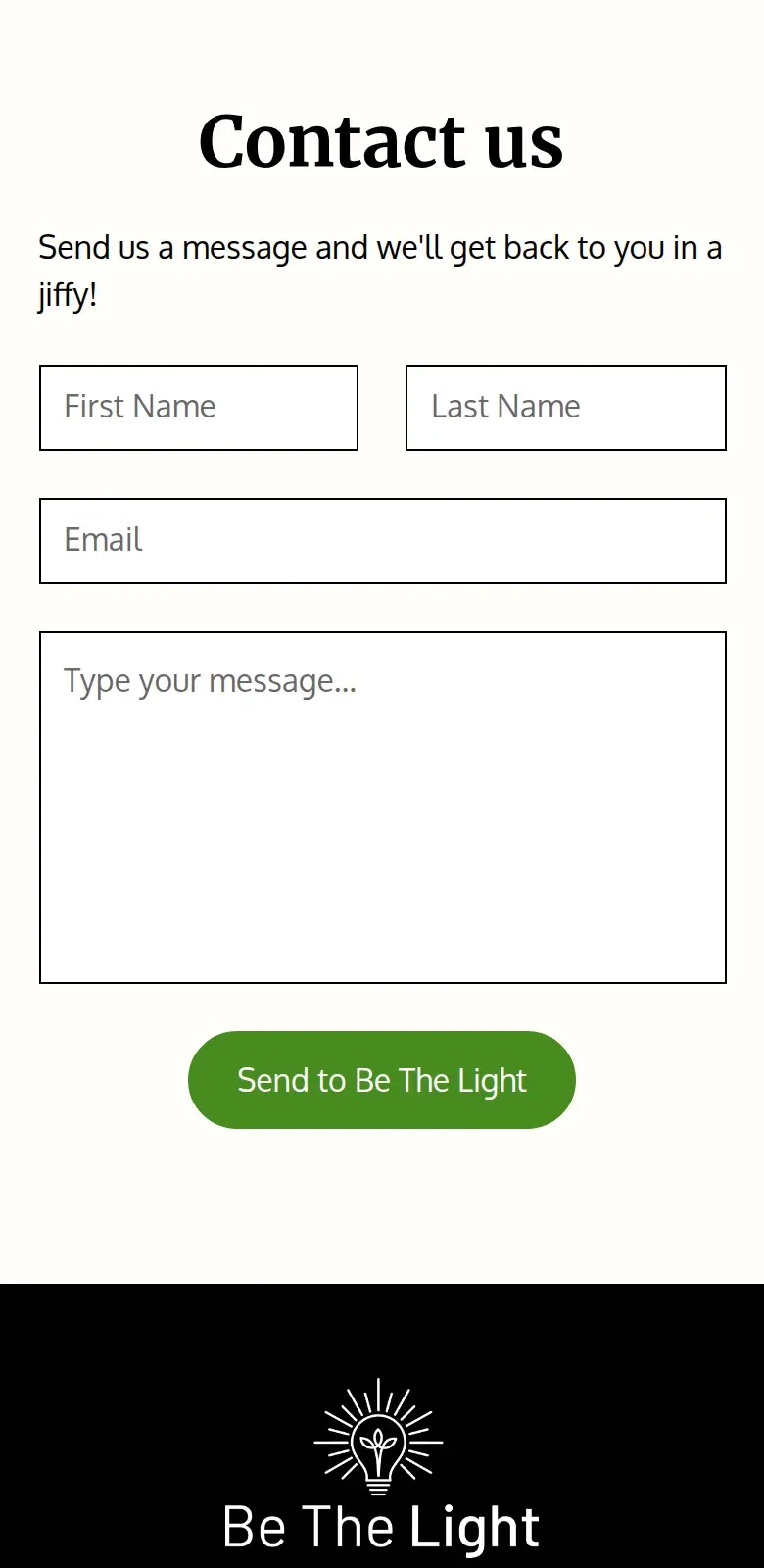
Companies wanting fifty gifts had only a general contact form.
Elisha took over from the founder, Jess, and wanted companies ordering gifts by the dozen before Christmas. The old homepage opened on a 10% off signup with no prices, the photos showed a plant the bulb didn’t come with, and the contact form sat at the bottom of a long corporate page.
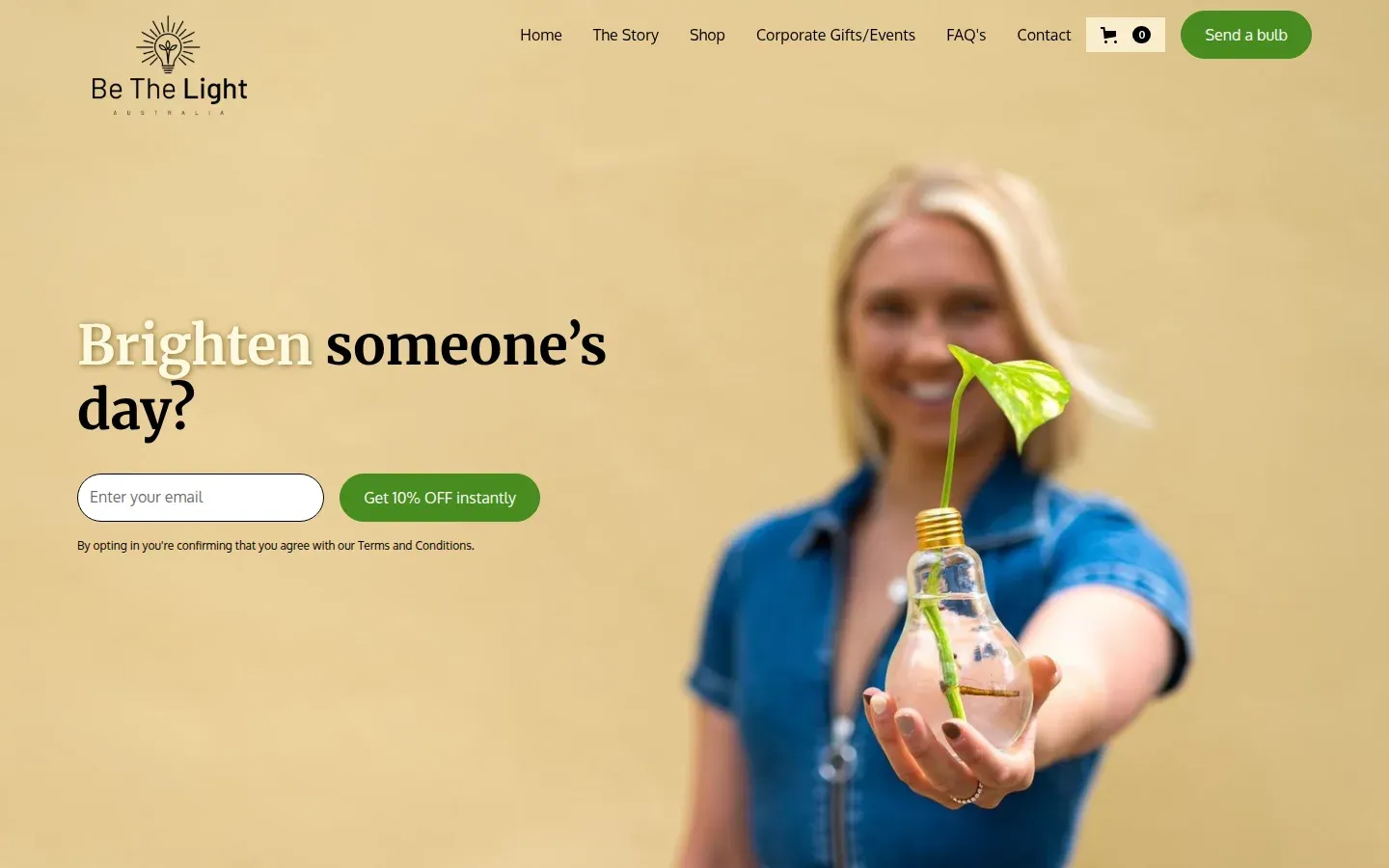
Before The old homepage
What we did.
Search research pointed us to corporate and occasion gifts. We built pages for those, moved the store to Shopify, and reworked the product page and cart.
-
Before
After
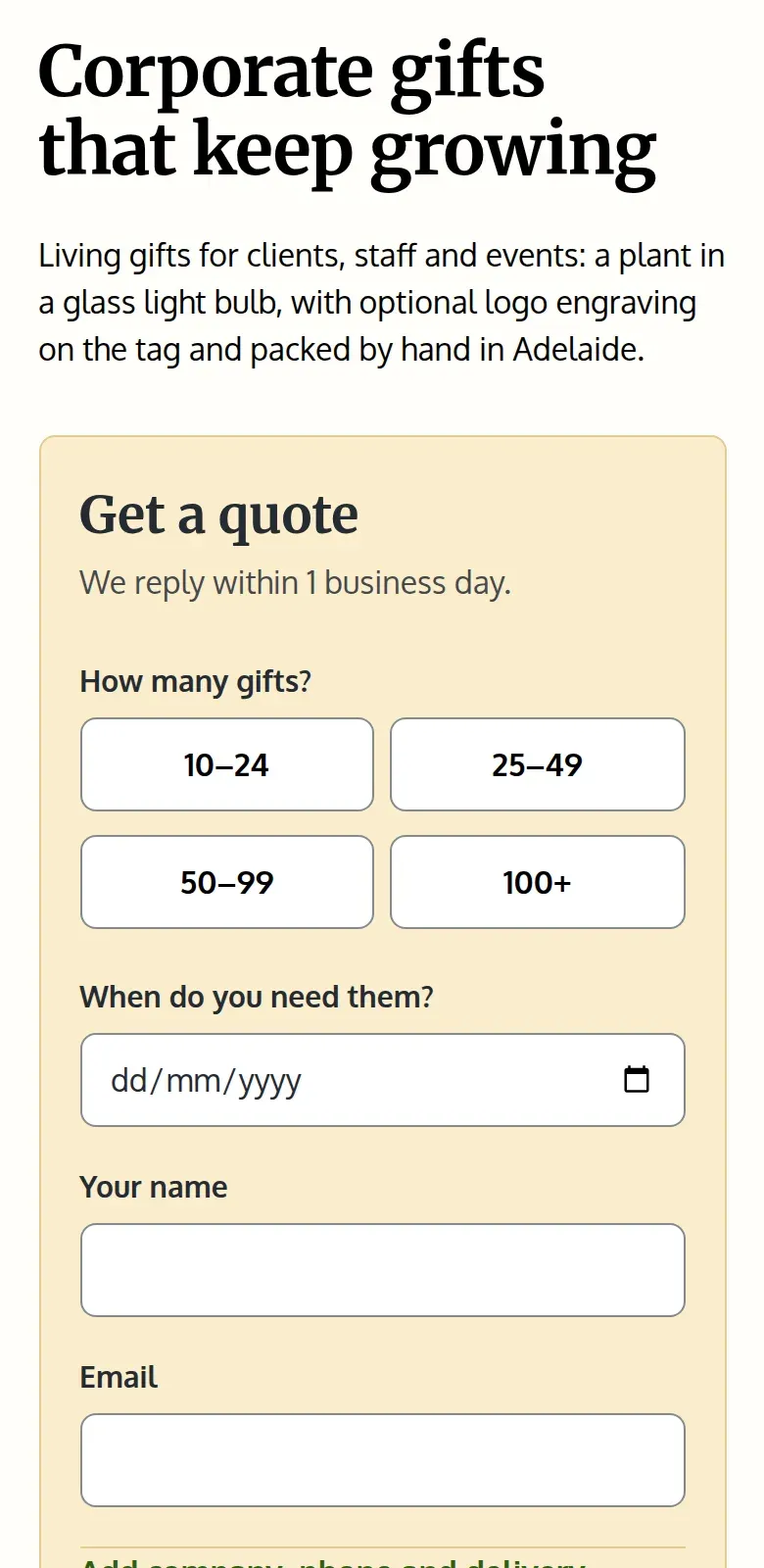
A quote form for corporate gifts.
The corporate page now opens on a quote form that asks how many gifts and when they’re needed.
-
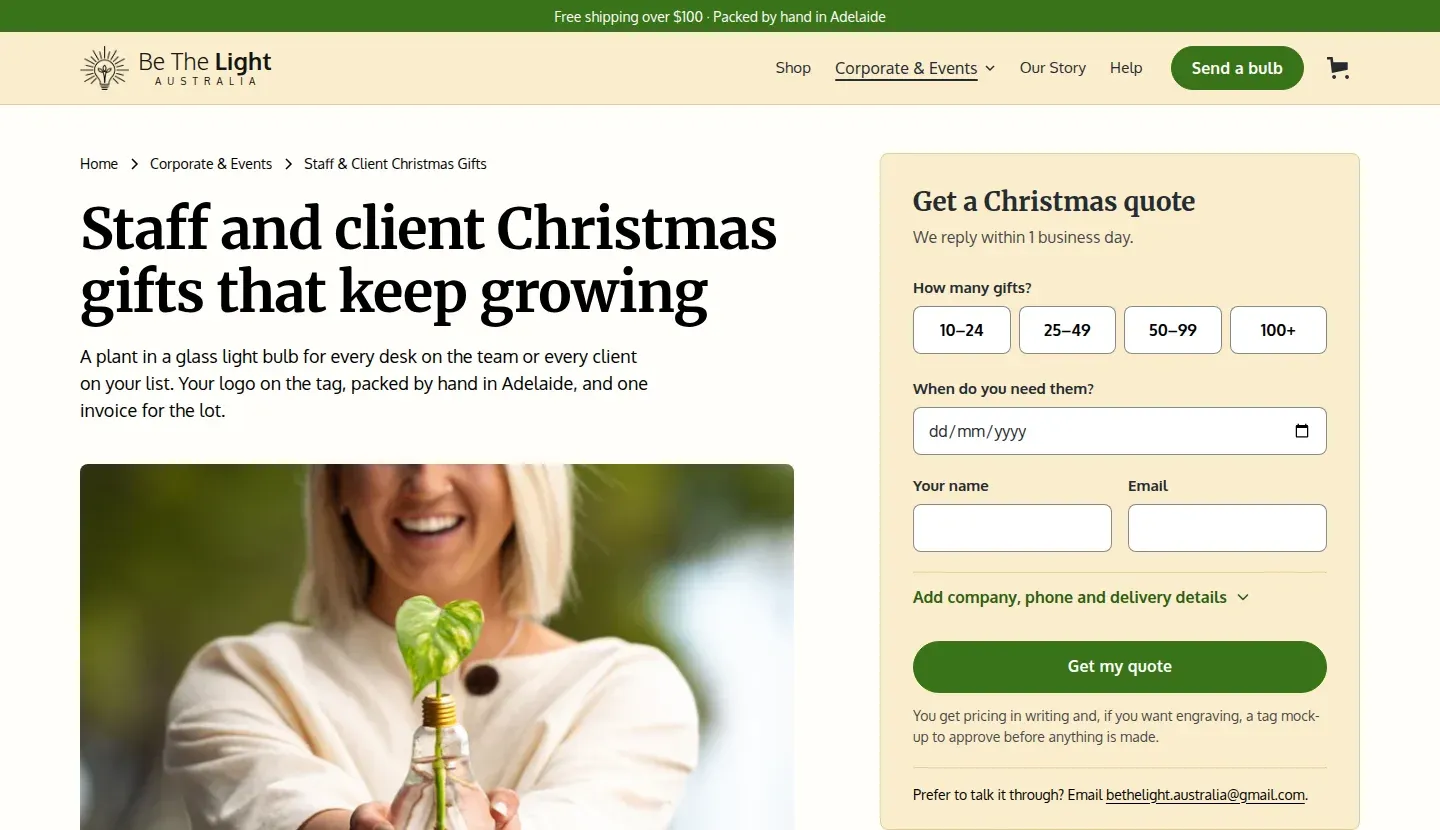
Pages for Christmas and settlement gifts.
Staff and client Christmas gifts, and settlement gifts for real estate agents, each have their own page with a quote form and answers to the usual questions.
-
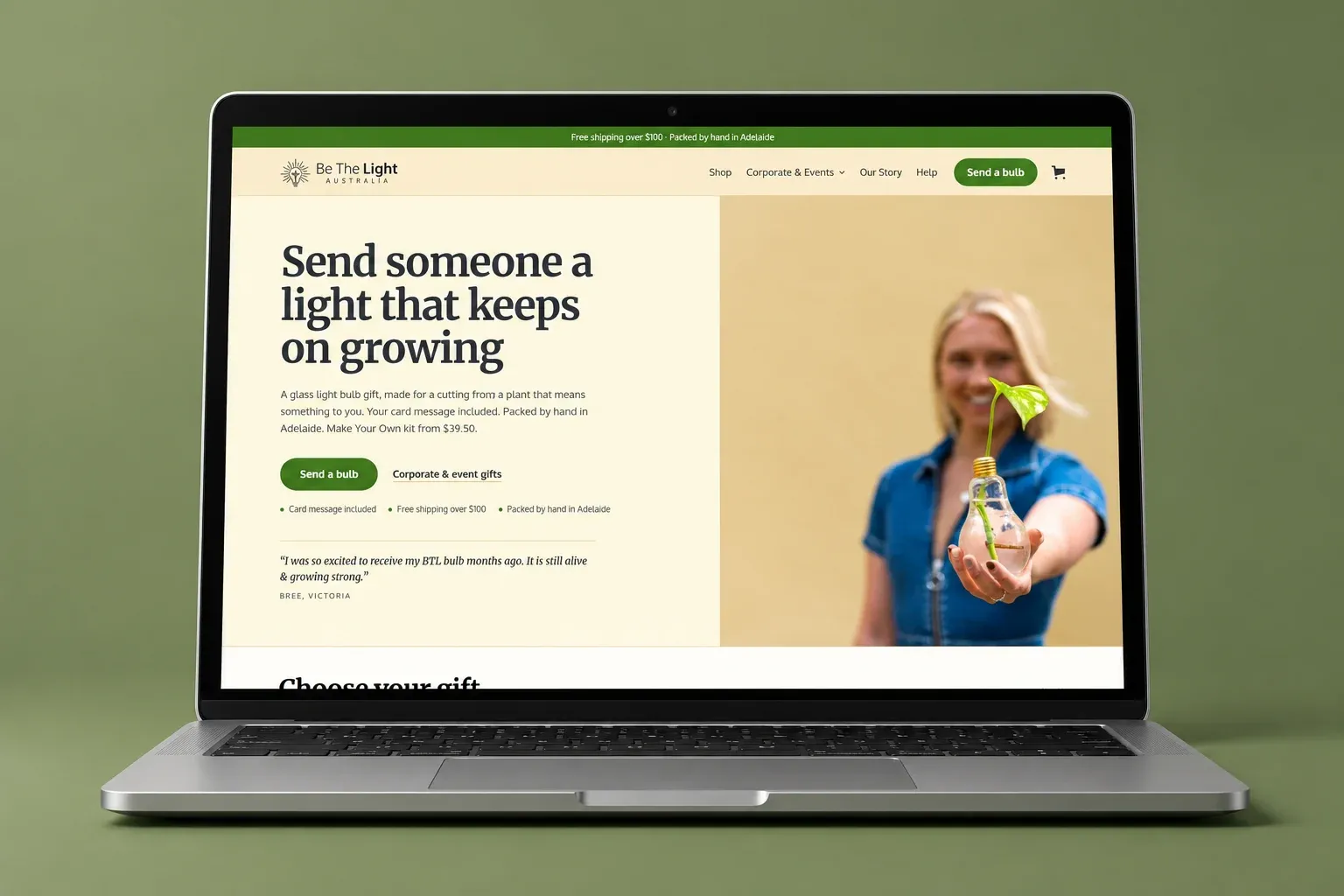
A homepage that leads with the gift.
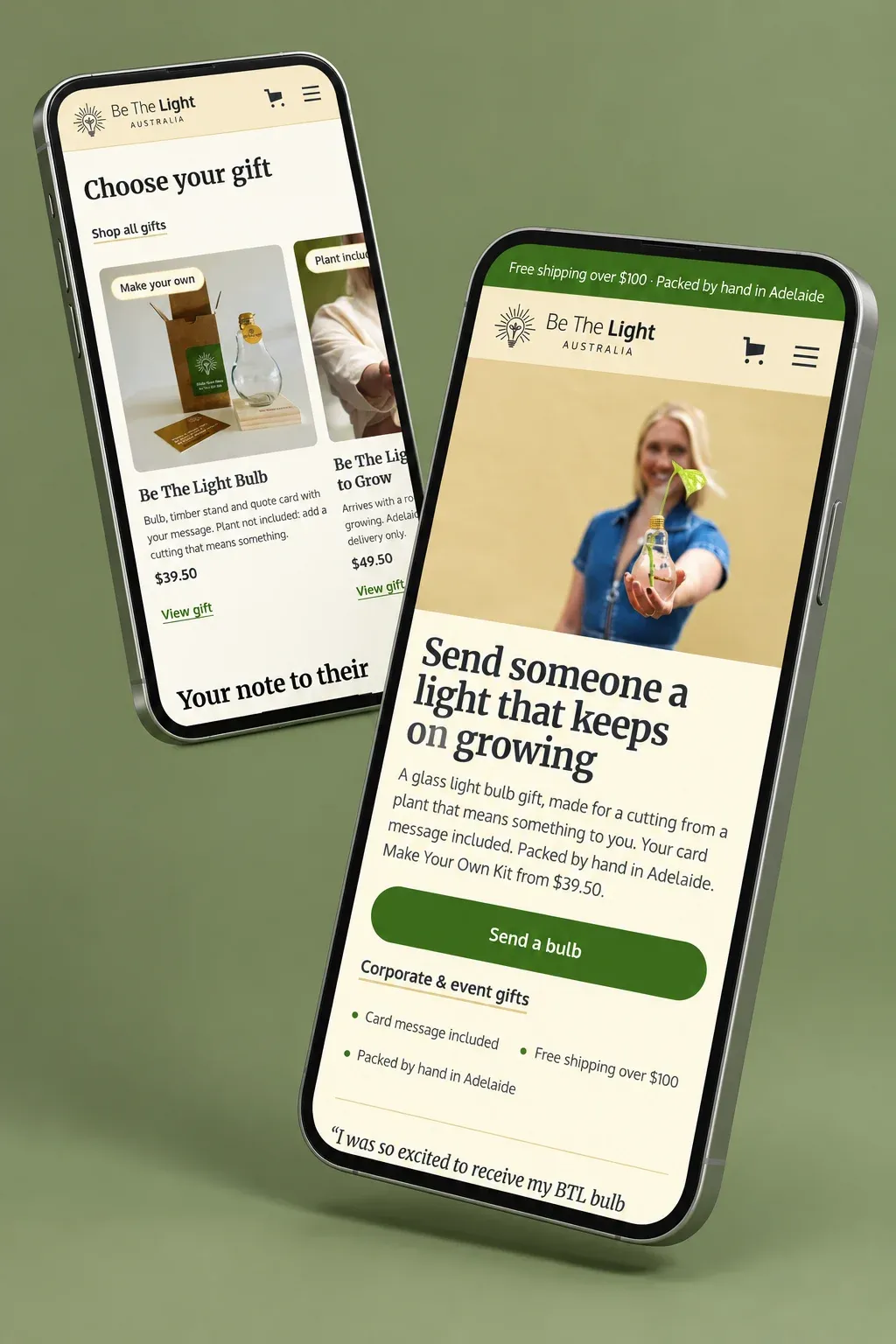
We moved every product, page and photo from Webflow to a custom Shopify theme, kept the brand, and pointed each old address at its new page. The old homepage opened on a signup; the new one sells the gift.
Before
After
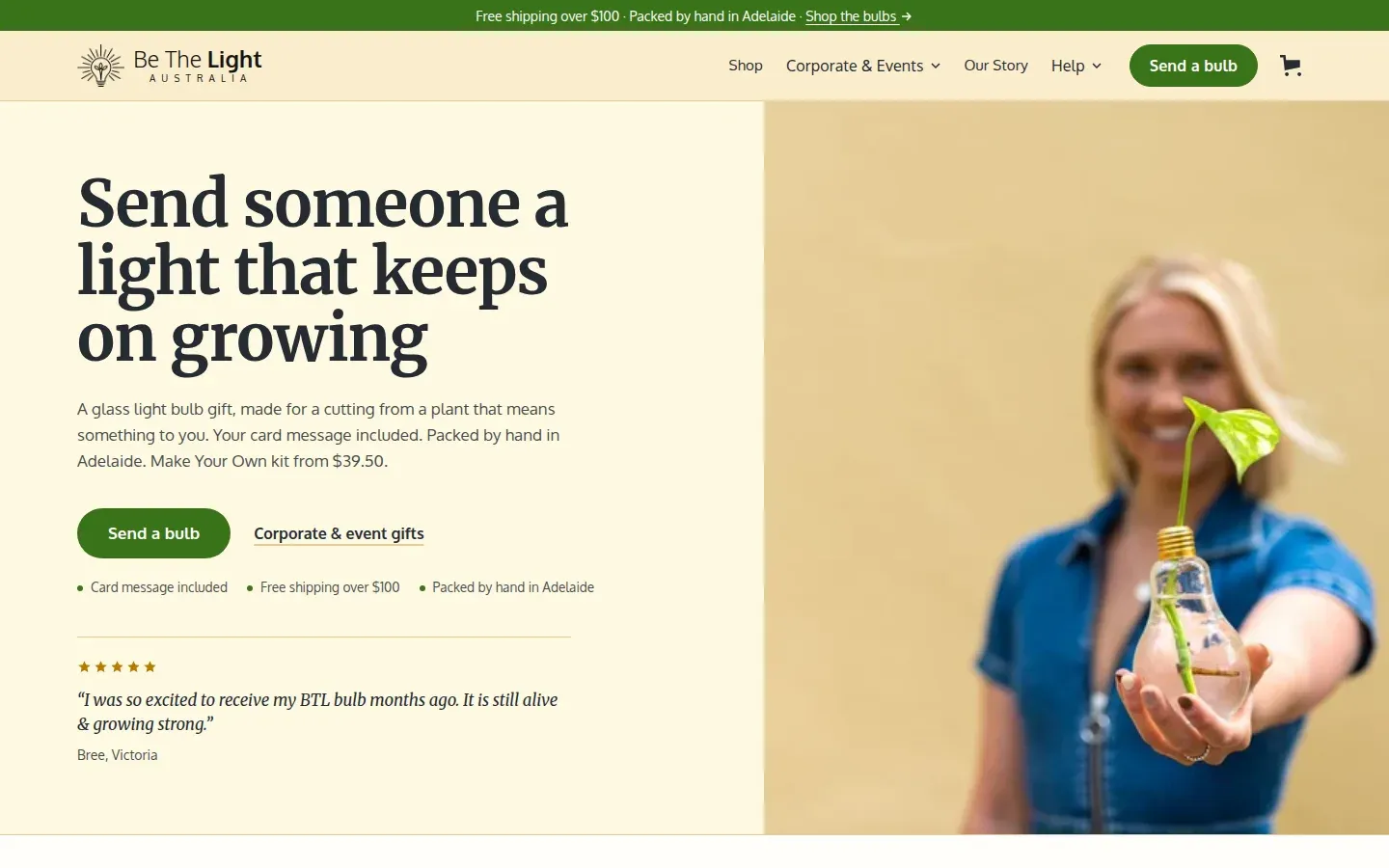
Drag the line left to see the new homepage. -
1. Says what it is
The headline names the gift. The old one asked a question.
-
2. The price up front
What the gift is, the card message and the kit from $39.50, in the first lines.
-
3. One clear next step
Send a bulb, with corporate and event gifts beside it for companies.
-
4. A customer’s review
Five stars and a customer’s own words, before anyone scrolls.
-
-
Before
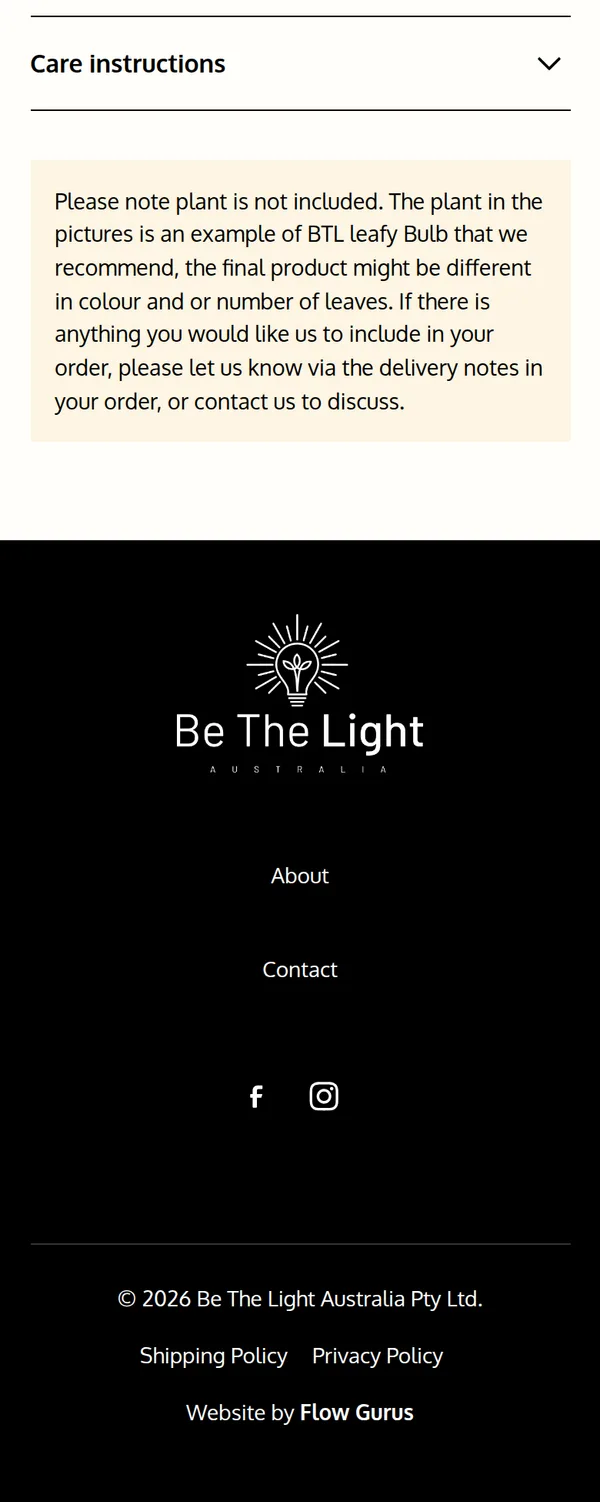
After
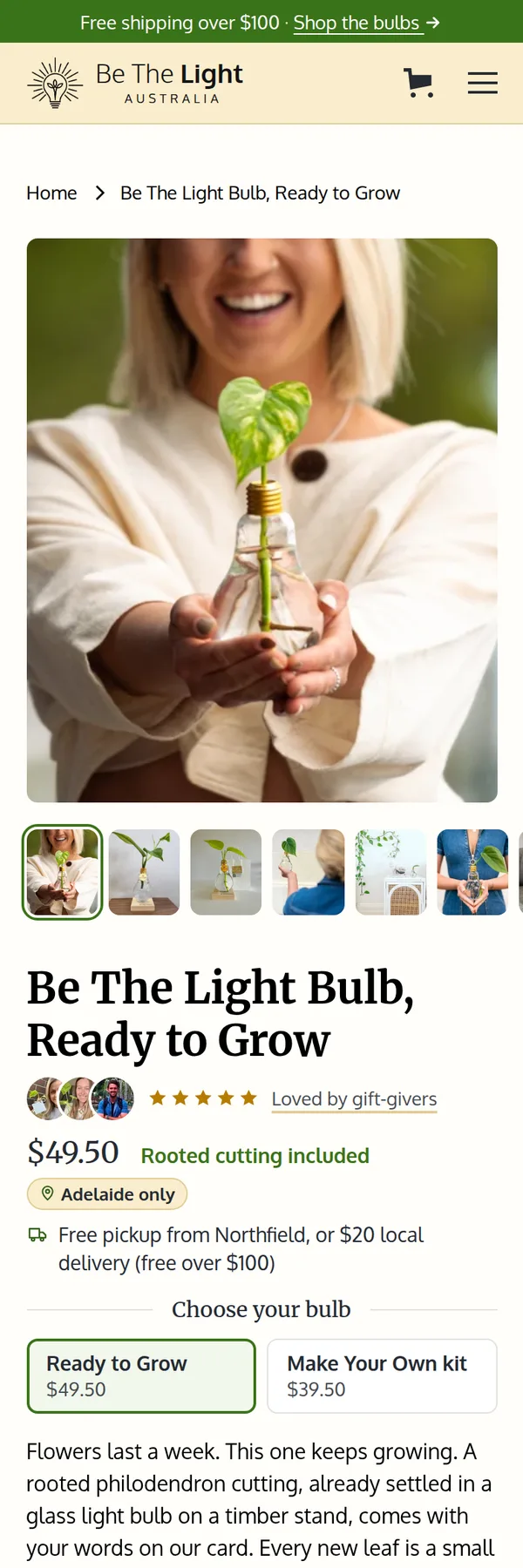
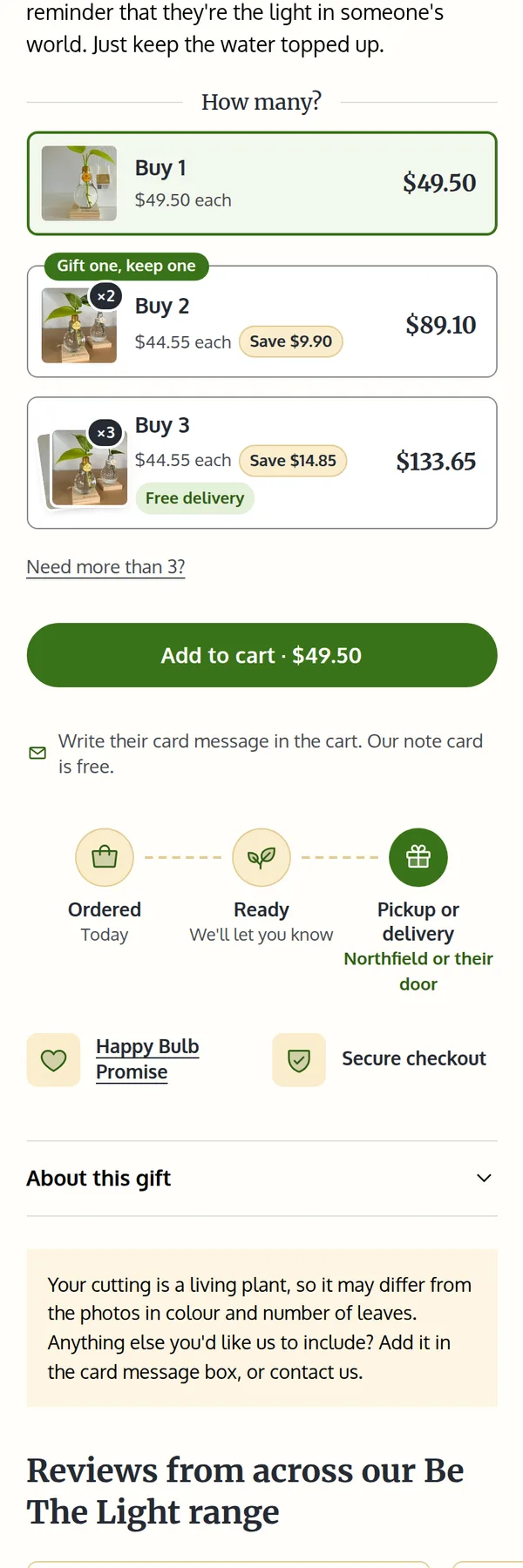
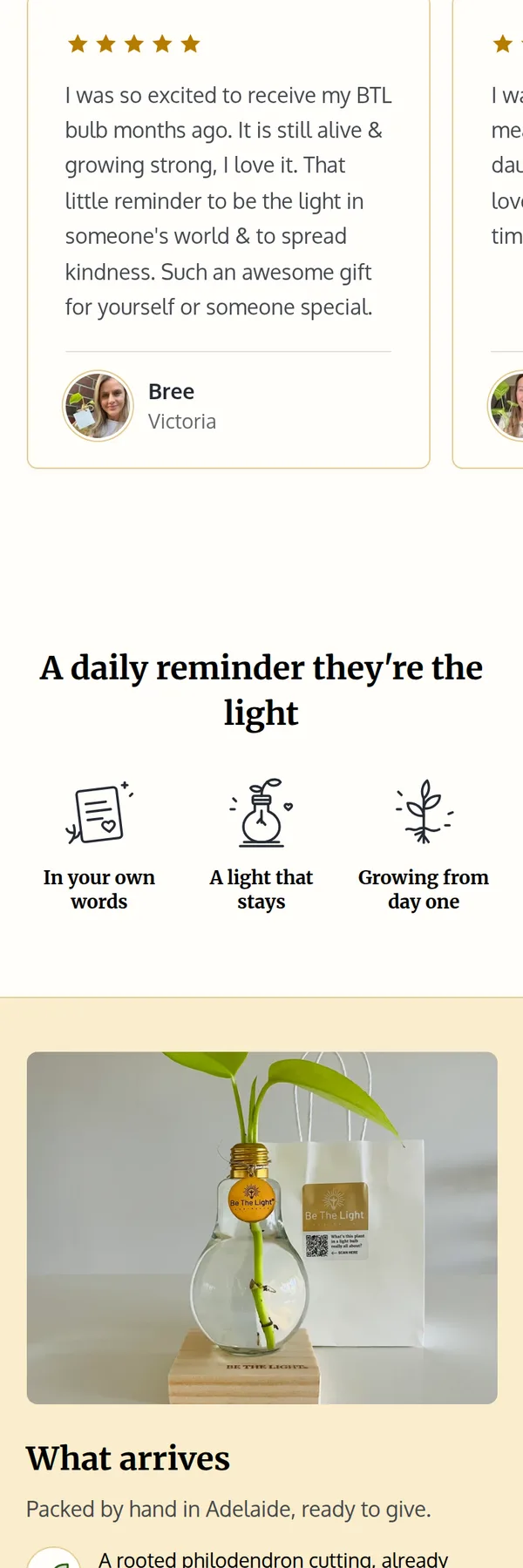
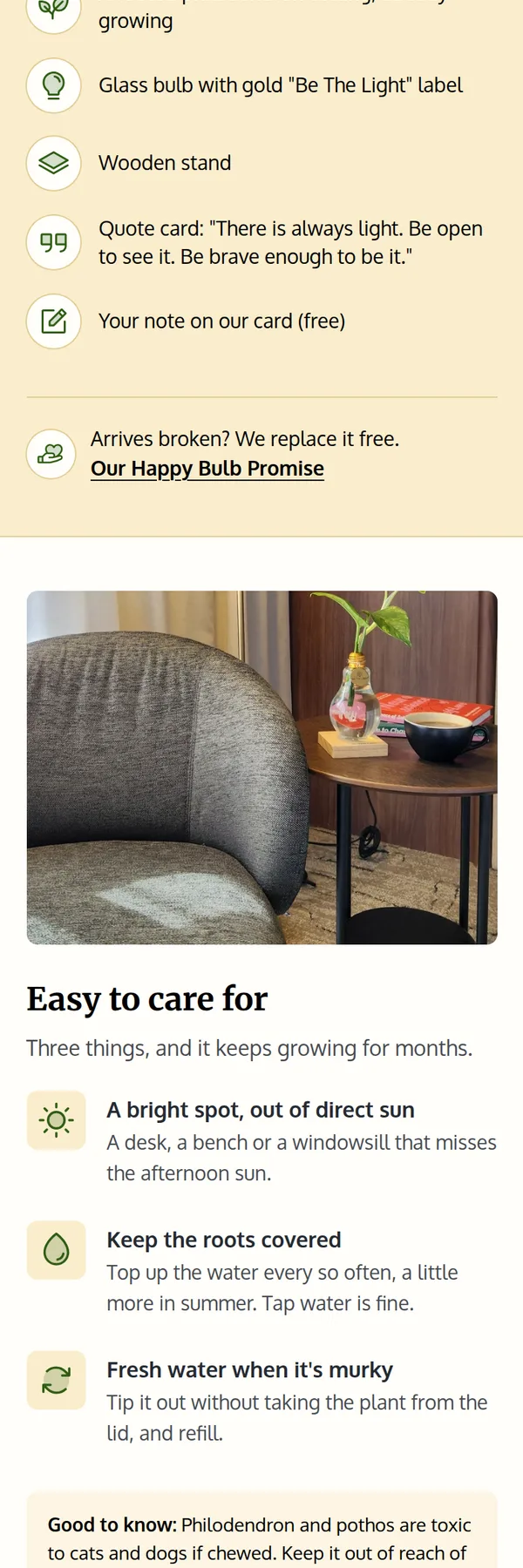
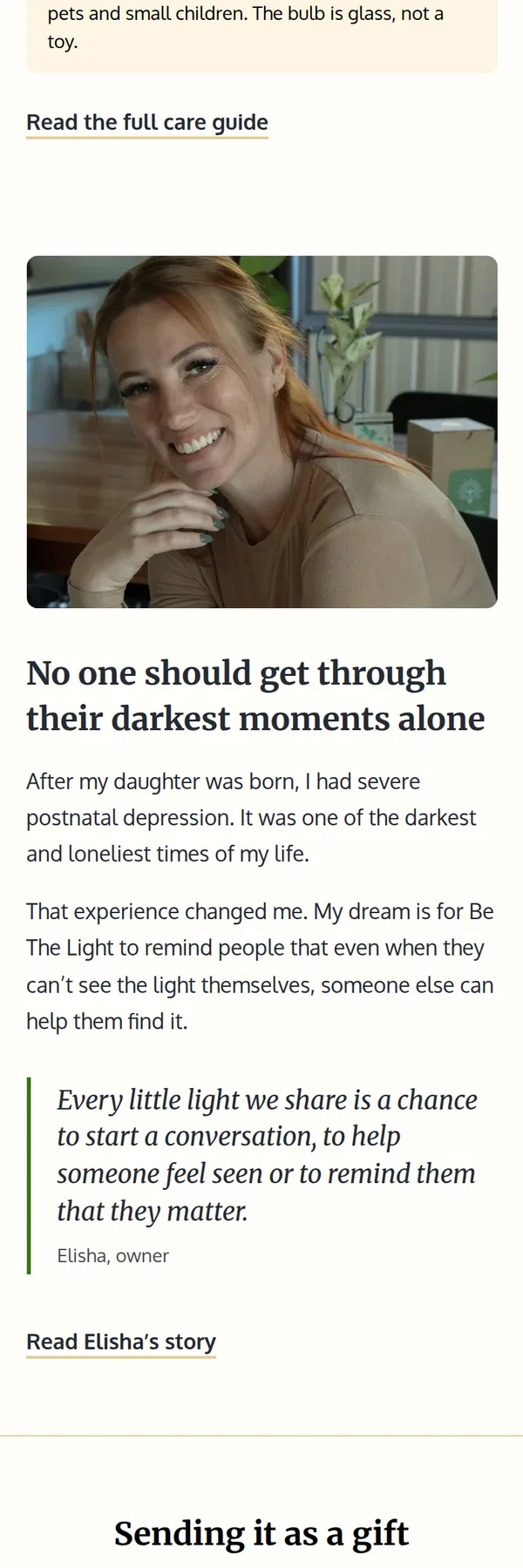
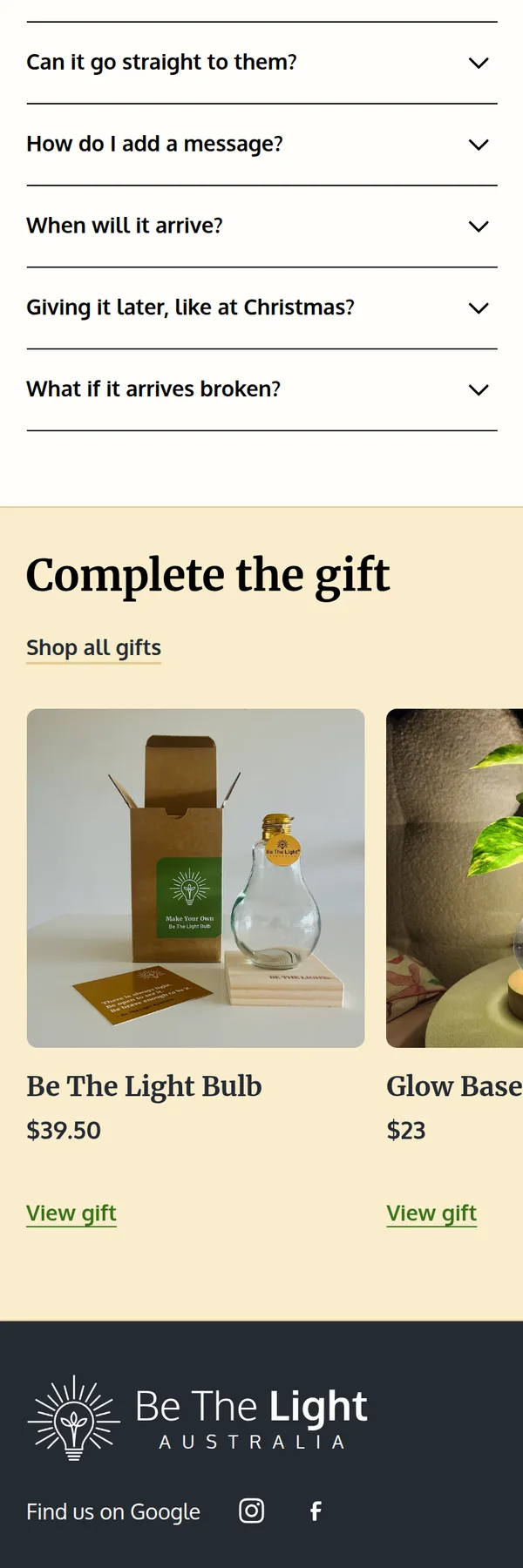
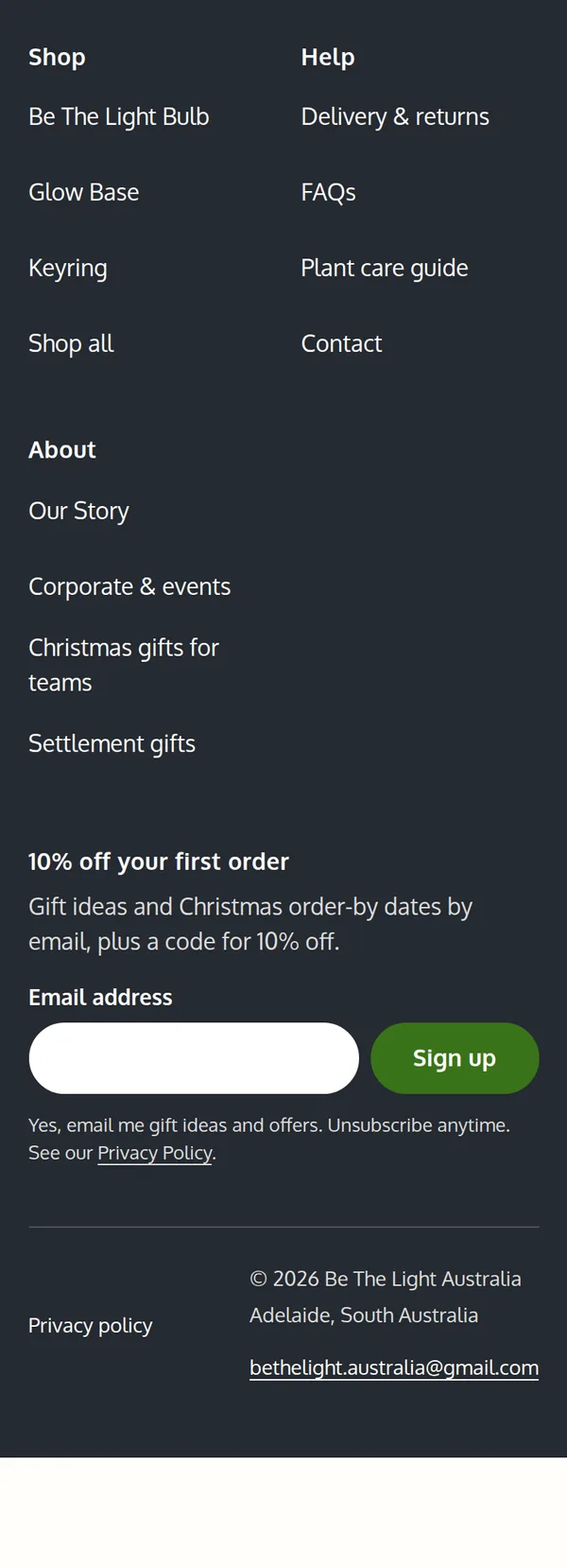
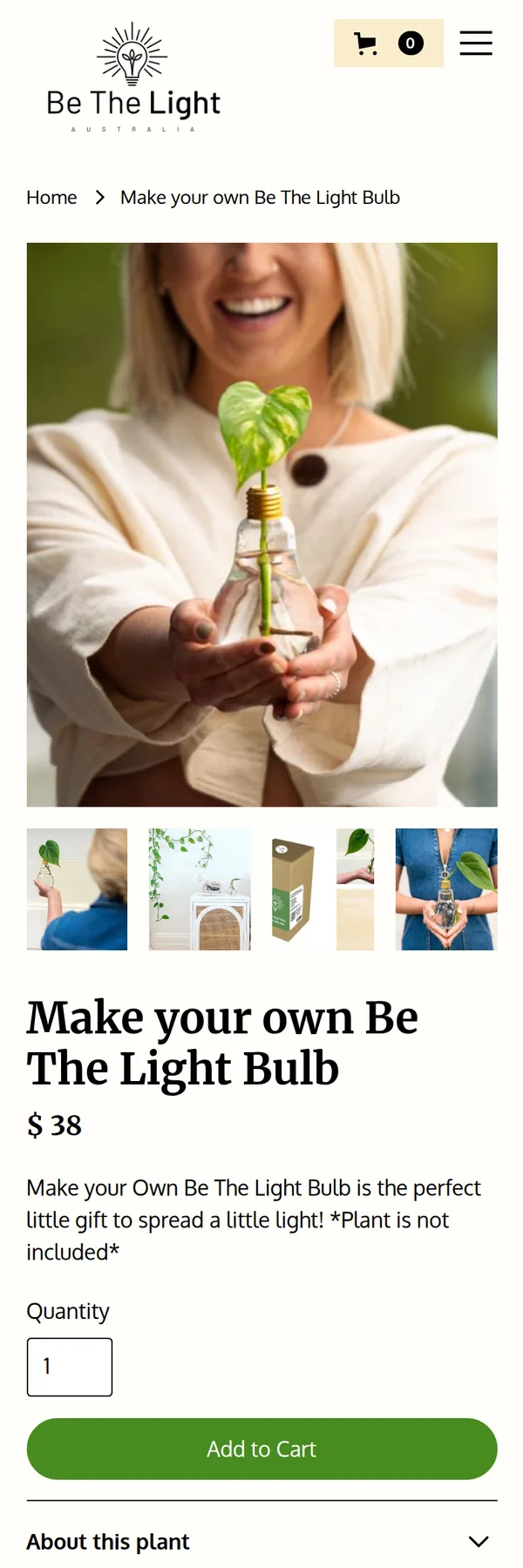
Each page scrolls on its own. Point at one to pause it, or scroll it yourself. Scroll inside each page to read it top to bottom. A clearer product page.
Four things the old page got wrong, and what the new one says instead.
Before After The photos showed a plant the $38 bulb didn’t come with Ready to Grow arrives with a rooted cutting already growing The page offered a note, with nowhere to write it A free card message for each gift, written in the cart One price, however many you bought Buy 2 or 3 and save 10% Delivery costs were further down the page Pickup and local delivery costs sit under the price -
Before
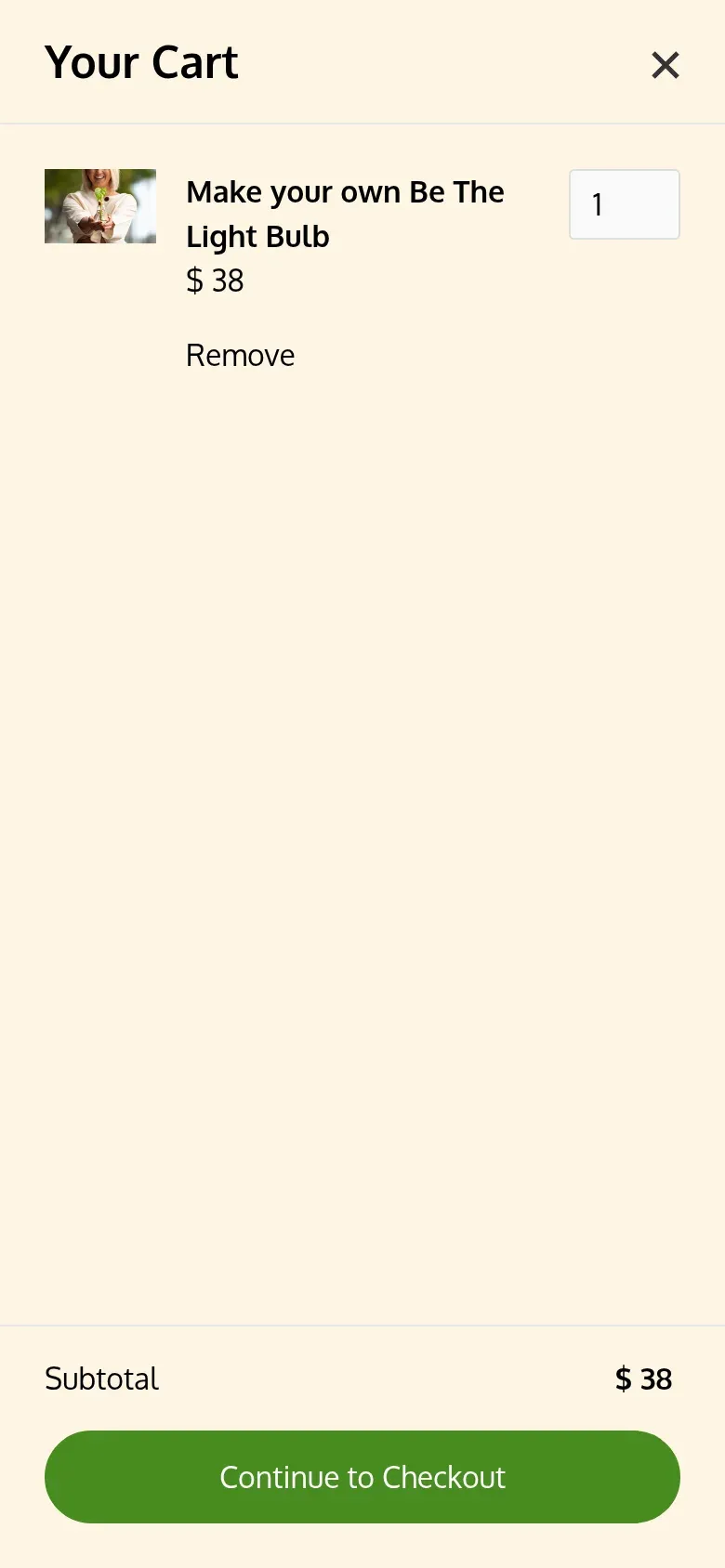
After
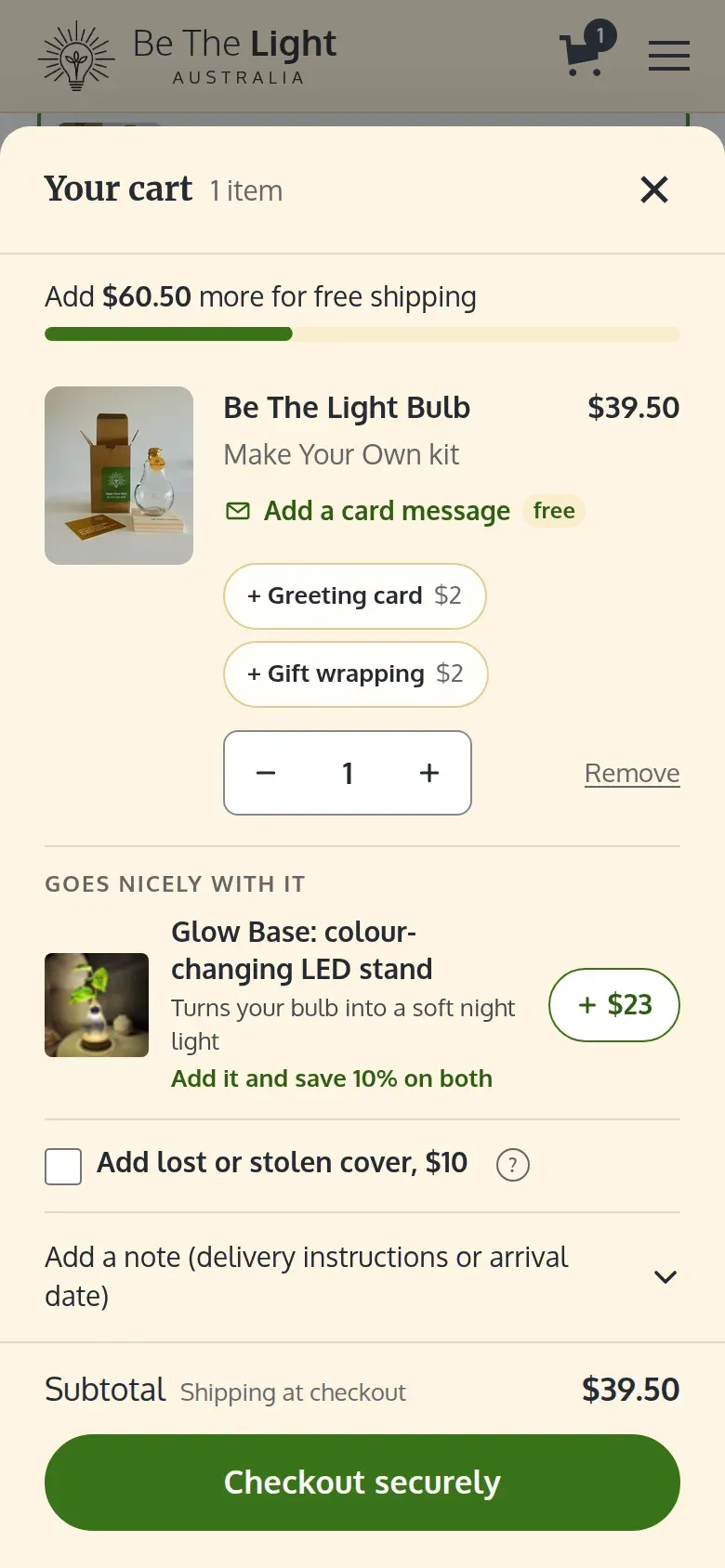
Free shipping and add-ons in the cart.
A bar shows how much more to spend for free shipping. Each gift gets a free card message, with a greeting card or wrapping for $2, and the cart suggests the Glow Base with 10% off both.
Also: a sticky Add to cart on phones, an arrival estimate under the button, reviews on the product page, and a 10% off signup that waits instead of greeting every visitor. We rewrote Our Story around why Elisha took the business on.
What we’re measuring.
The store has only just opened, so there are no results yet. These are the three numbers we’ll report on.
Be The Light Australia
- Quote requests
- From the corporate, Christmas and settlement pages
- Order value
- With the Buy 2 and Buy 3 prices and the Glow Base in the cart
- Orders
- Through the Shopify checkout
Counting from Launch day
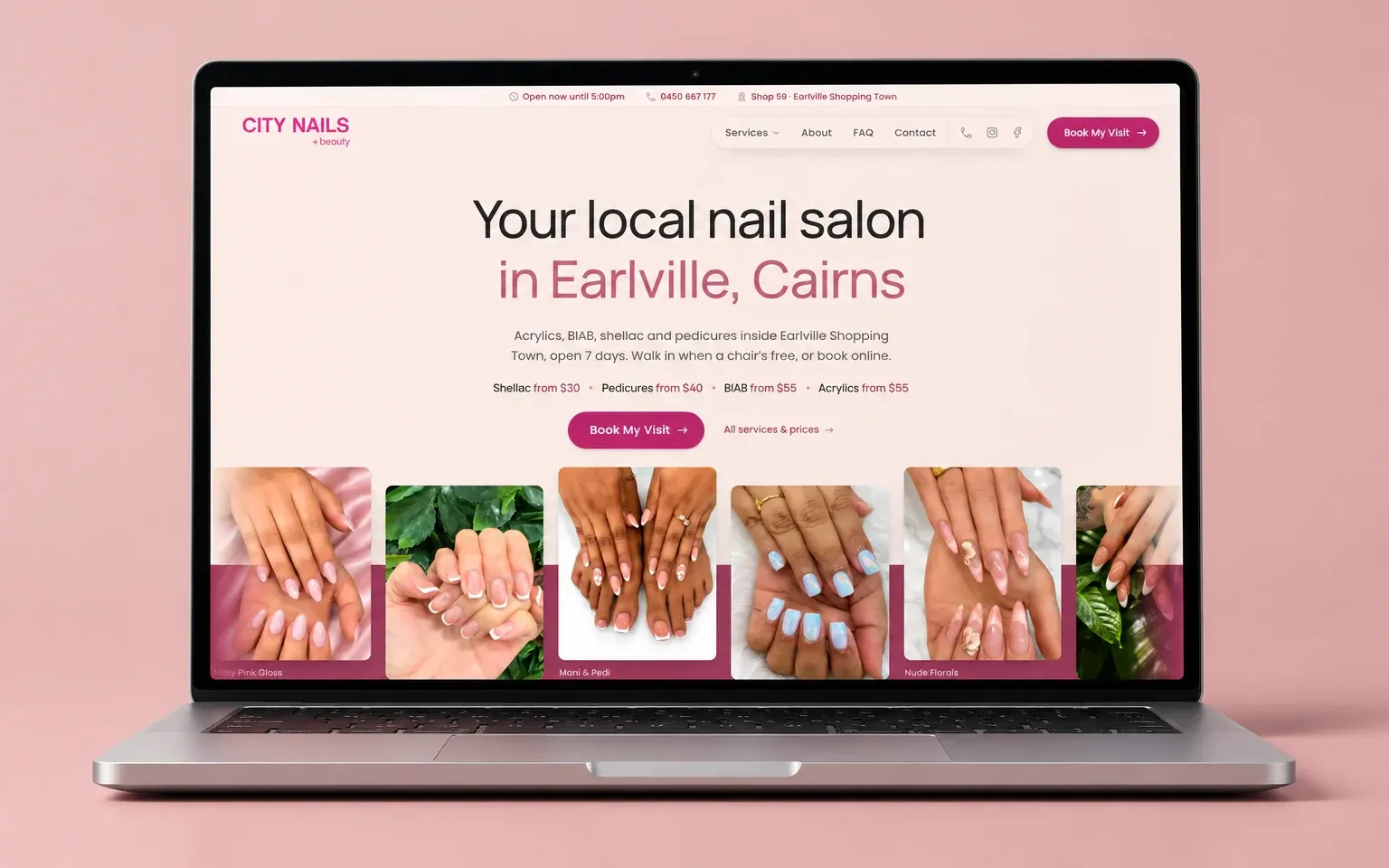
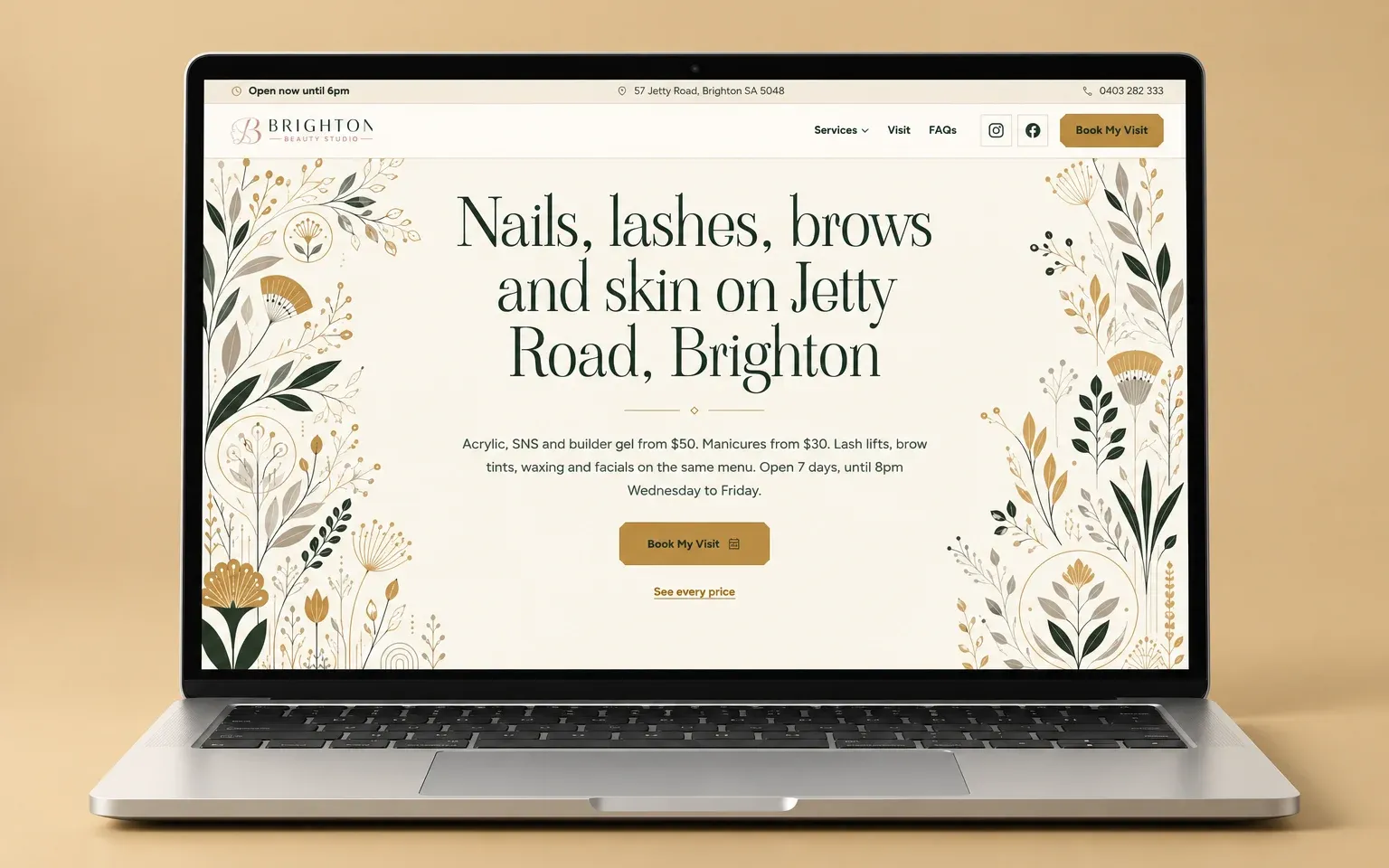
Let’s grow your local enquiries.
Book a 20-minute call and we’ll tell you plainly what would bring in more calls and bookings. Not ready to talk? The free visibility audit needs no call.